
Volunteer Registration
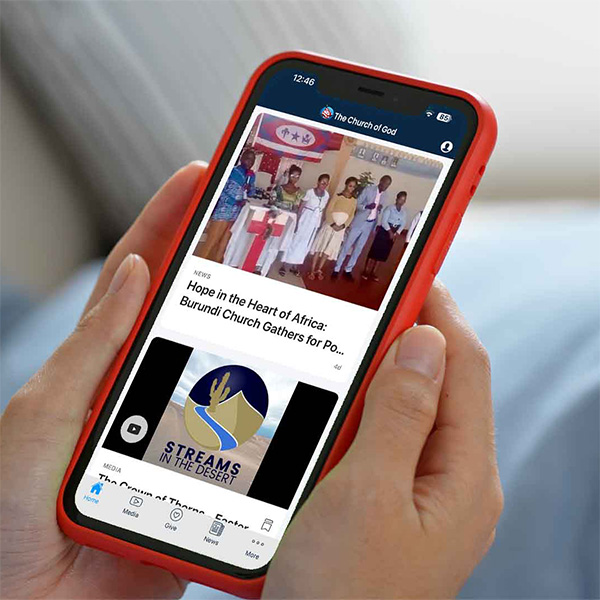
Download our Mobile App
To better communicate with the media team, we are utilizing the Church's mobile app for communication and scheduling. Before completing the form, please download the Church's mobile app from the Apple App Store or Google Play Store. Through the app, you'll receive announcements, view your schedule, see service plans, and stay up to date with important information before and during the event.


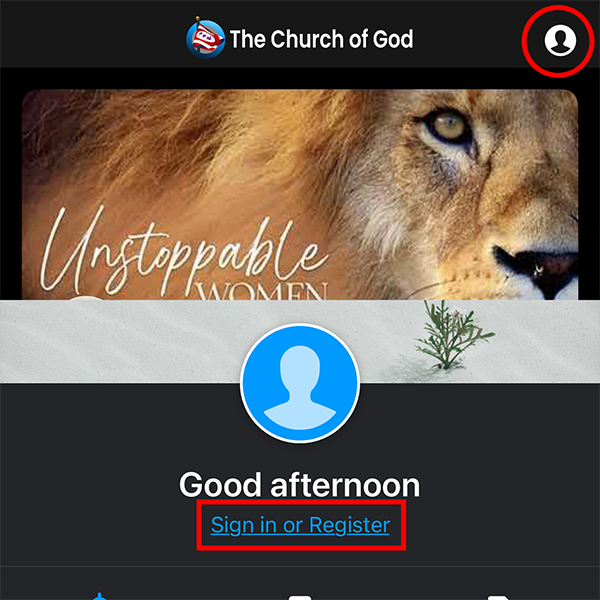
Create a Profile
If you have not already created an account, please do so through the app before completing the volunteer form. Open the app and tap the Profile icon in the upper-right corner, then select Sign In or Register. Follow the prompts to create your profile and enter your basic contact information.
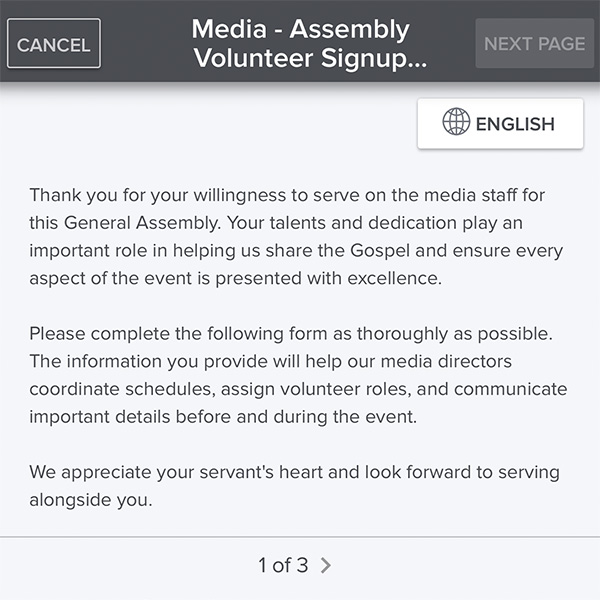
Stay Connected
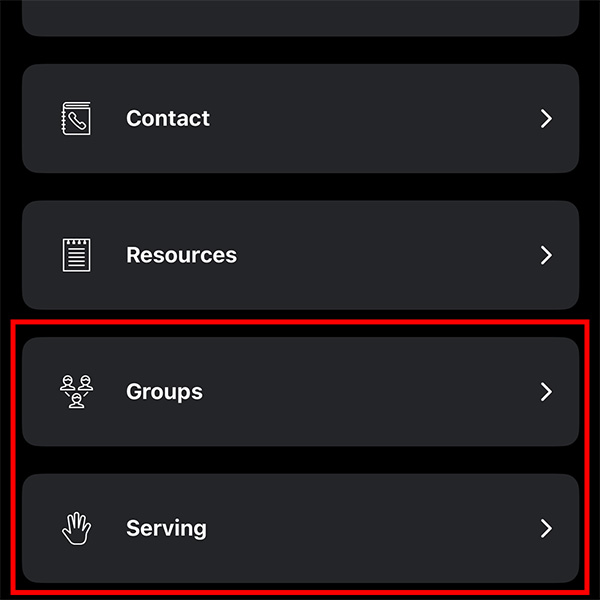
After you've completed your registration and your profile has been matched, open the app and select the More tab. Under Groups, you'll find the General Assembly Media Staff group, where important announcements, documents, conversations, and other resources will be shared.
Under Serving, you'll be able to view your assigned schedule, volunteer roles, service details, and other event information as assignments are finalized. You can also use the Serving section to block off times when you are unavailable, helping the media directors keep your schedule accurate. Be sure to check the app regularly for updates before and during the General Assembly.